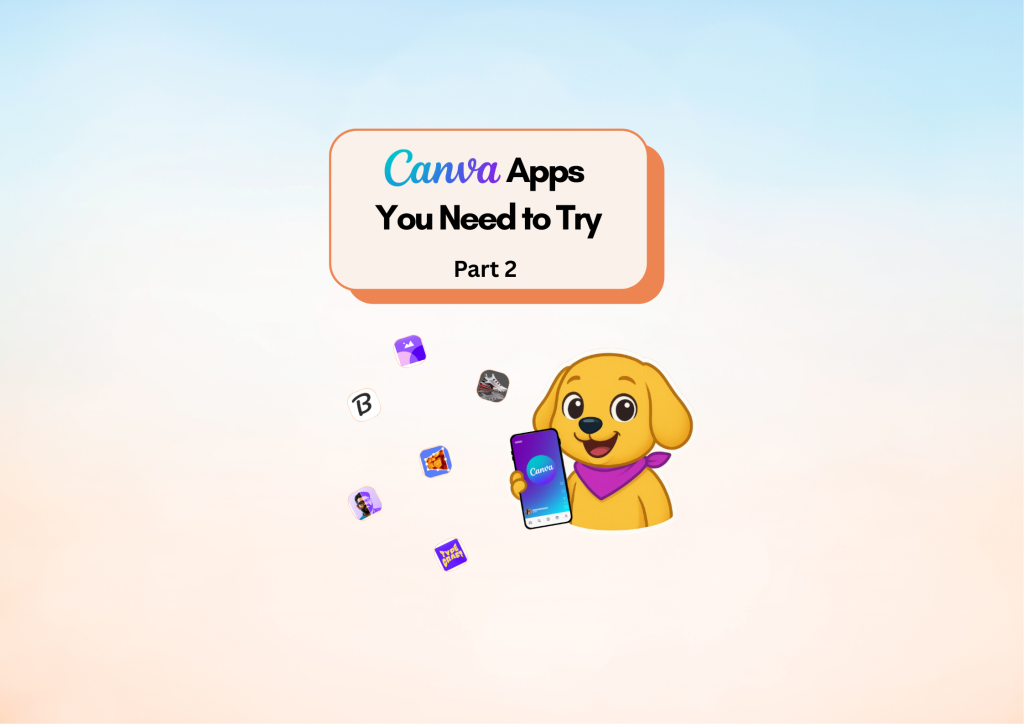
Design Glow-Up: Canva Apps You Can’t Miss – Part 2
Diamond AI Content Creation Hackathon
Pooja • Digital Marketer, Freelancer
Tools: Canva
Description: I created this content to highlight powerful hidden Canva apps that help creators design faster, blend visuals seamlessly, and transform their graphics with advanced one-click tool

Detailed Description

This content was created to showcase another set of powerful and often overlooked Canva apps that can significantly upgrade the way creators design. By highlighting tools like Image Blender, Tracer, Brandfetch Logo, Easy Reflection, and other advanced visual transformation features, this post aims to help users unlock new creative possibilities that save time and elevate their design quality.

Each app featured in this content solves a specific design challenge—whether it’s blending images seamlessly, reshaping text with curves and warps, pulling official brand logos instantly, or adding realistic reflections with a single click. By demonstrating these features in a simple and accessible format, the post empowers creators, marketers, and small business owners to work faster and produce more polished visuals without needing external software.

The purpose of this content is to inspire users to explore Canva’s hidden capabilities, experiment with creative transformations, and streamline their workflow with tools designed to boost efficiency and visual impact. It serves as a practical guide for anyone looking to enhance their designs, create more dynamic graphics, and stay ahead of the latest Canva updates.

Loading AI Review…
Booting AI Coach…

Submission Review & Analysis

✨ Summary: This submission highlights powerful hidden Canva apps that enhance design efficiency and quality for creators. 💪 Strengths: ✅ Comprehensive overview of lesser-known Canva apps that address specific design challenges. ✅ Practical guide format makes it accessible for a wide audience, including marketers and small business owners. ✅ Encourages exploration of Canva’s features, fostering creativity and innovation in design. 🧑‍💻 Gaps / Risks: ✅ Demo URL is not relevant; it leads to a personal LinkedIn profile rather than a demonstration of the content. ✅ Lack of visual examples or case studies to illustrate the effectiveness of the featured apps. ✅ Potentially overwhelming for beginners without clear instructions on how to use each app effectively. 🚀 Actionable Next Steps: ✅ Create a dedicated demo video showcasing each app in action, highlighting their benefits and use cases. ✅ Include step-by-step guides or tutorials for beginners to facilitate easier adoption of the tools. ✅ Consider adding user testimonials or success stories to build credibility and encourage engagement. ✅ Update the demo URL to link directly to a relevant showcase or presentation of the content. ✅ Promote the content through social media channels to reach a broader audience and gather feedback.
Smart AI Review. Work on each pointer shared to make your project perfect.

AI Coach (asks anything about this submission)

Hey! I’ve gone through the submission. Ask me anything — gaps to fix, better tools, next steps, whatever you need.

Community Feedback

  • No feedbacks yet
Created with ❤️ by Growthyfai