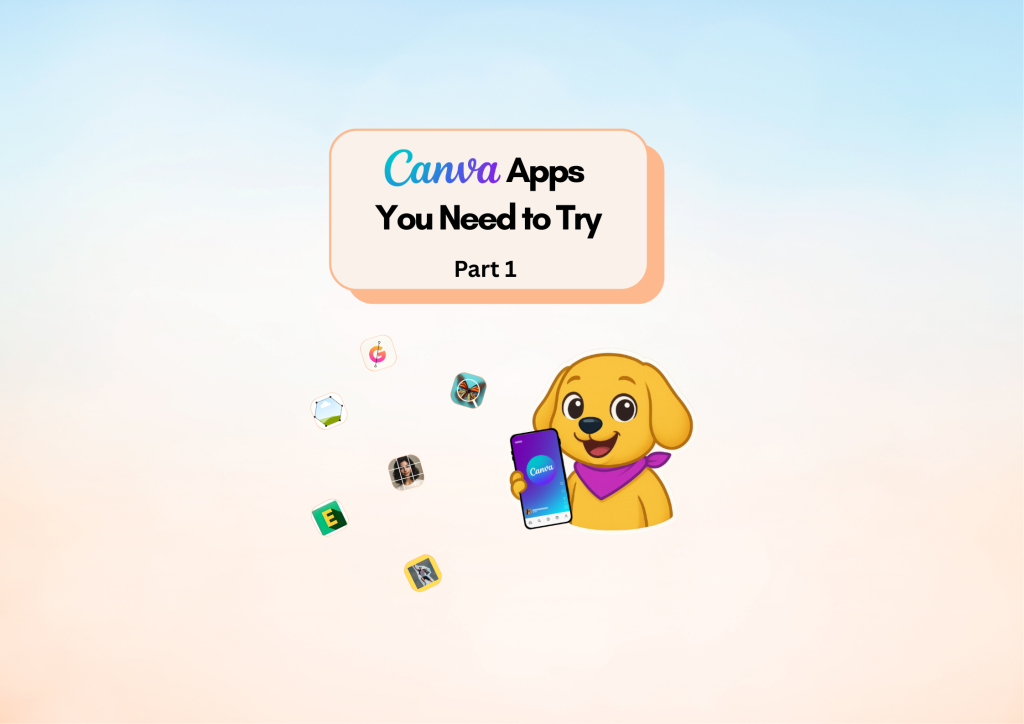
Canva Apps You NEED to Try!

Diamond AI Content Creation Hackathon
Pooja • Digital Marketer, Freelancer
Tools: Canva
Description: I created this content to highlight powerful new Canva apps that help creators design faster, enhance visuals, and upgrade their content with effortless creative hacks.

Detailed Description

This content was created to showcase some of the most powerful and recently introduced Canva apps that can dramatically improve the way creators design and produce content. From Image Upscaler to Type Gradient, Frame Maker, and Image Splitter, the goal of this post is to help users discover tools that save time, boost creativity, and upgrade the overall quality of their designs.

Each featured app solves a real design challenge—whether it’s fixing low-resolution images, adding aesthetic text effects, creating scrapbook-style visuals, or splitting images perfectly for carousels. By highlighting these features in a simple, easy-to-understand way, this content encourages creators to explore Canva’s hidden gems and enhance their workflow with tools that make designing not only faster but more enjoyable.

I designed this piece to empower creators, small businesses, and marketers to elevate their content with smarter tools and innovative shortcuts. It serves as a quick guide that helps users unlock new creative possibilities within Canva and build more polished, professional visuals effortlessly.

Loading AI Review…
Booting AI Coach…

Submission Review & Analysis

✨ Summary: This submission highlights essential Canva apps that enhance design efficiency and creativity for users. 💪 Strengths: ✅ Clearly identifies practical Canva apps that address common design challenges. ✅ Encourages exploration of lesser-known tools, promoting creativity and efficiency. ✅ Targets a wide audience, including creators, small businesses, and marketers. ✅ Presents information in an easy-to-understand format, making it accessible for all skill levels. 🧑‍💻 Gaps / Risks: ✅ The demo URL is not relevant to the content, limiting the ability to evaluate practical application. ✅ Lacks visual examples or case studies to demonstrate the effectiveness of the featured apps. ✅ May not address potential limitations or learning curves associated with the apps. ✅ The content could benefit from user testimonials or feedback to enhance credibility. 🚀 Actionable Next Steps: ✅ Include a relevant demo or video showcasing the apps in action to enhance engagement. ✅ Add visual examples of designs created using the featured apps to illustrate their benefits. ✅ Consider incorporating user feedback or testimonials to build trust and credibility. ✅ Provide a comparison of the featured apps with similar tools to highlight unique advantages. ✅ Explore creating a follow-up piece that addresses common challenges users face when using these apps.
Smart AI Review. Work on each pointer shared to make your project perfect.

AI Coach (asks anything about this submission)

Hey! I’ve gone through the submission. Ask me anything — gaps to fix, better tools, next steps, whatever you need.

Community Feedback

  • No feedbacks yet
Created with ❤️ by Growthyfai