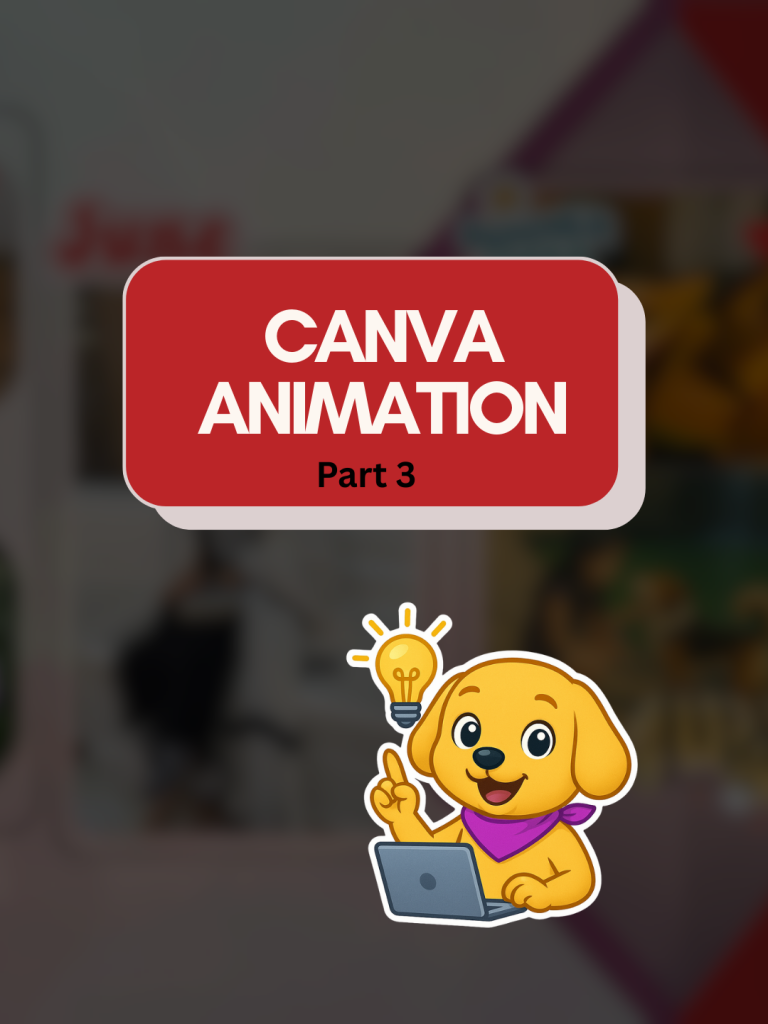
Create Your 2025 Recap Reel with This Canva Animation Template — Part 3
Diamond AI Content Creation Hackathon
Pooja • Digital Marketer, Freelancer
Tools: Canva
Description: I created this content to help creators turn their 2025 highlights into a smooth, aesthetic recap reel or carousel using a simple, ready-to-use Canva animation template.

Detailed Description

This content was created to help creators, brands, and coaches present their 2025 year-in-review in a smooth, aesthetic, and highly engaging format using a customizable Canva animation template. Designed as Part 3 of the Canva Animation series, this template allows users to transform their yearly highlights—whether personal wins, client results, milestones, or memorable moments—into a polished recap reel or carousel without needing advanced editing skills.

The layout combines minimal design, clean transitions, and subtle animations to give the final output a premium, cinematic feel. By showcasing how easily the template can be adapted with photos, text, and brand colors, the content encourages users to create a visually cohesive recap that stands out on Instagram, LinkedIn, and other social platforms.

The goal of this piece is to make year-end content simple, accessible, and trend-friendly, enabling users to participate in the annual recap trend with a professional-looking design created entirely in Canva. It also invites engagement by offering the template via comments, helping creators generate conversation and interaction around their posts.

Loading AI Review…
Booting AI Coach…

Submission Review & Analysis

✨ Summary: This submission offers a Canva animation template designed to help creators easily compile their 2025 highlights into an engaging recap reel or carousel. 💪 Strengths: ✅ The template is user-friendly, requiring no advanced editing skills, making it accessible for a wide audience. ✅ It features a minimalistic design with clean transitions and subtle animations, enhancing the visual appeal. ✅ Encourages community engagement by inviting users to share their creations and interact through comments. ✅ Aligns with current trends, making it relevant for social media platforms like Instagram and LinkedIn. 🧑‍💻 Gaps / Risks: ✅ The demo URL provided is not relevant to the submission, which may hinder potential users from evaluating the template effectively. ✅ Lack of specific examples or case studies showing the template in action could limit user confidence in its effectiveness. ✅ Without a clear call-to-action or link to access the template directly, users may find it challenging to engage with the content. ✅ The submission does not address potential limitations or customization challenges users might face. 🚀 Actionable Next Steps: ✅ Provide a functional demo link showcasing the template in use to enhance credibility and user interest. ✅ Include specific examples or testimonials from users who have successfully utilized the template for their recap reels. ✅ Add a direct link or clear instructions on how users can access and customize the template within Canva. ✅ Consider creating a tutorial video that walks users through the customization process to further support them. ✅ Highlight any unique features of the template that differentiate it from other Canva templates available.
Smart AI Review. Work on each pointer shared to make your project perfect.

AI Coach (asks anything about this submission)

Hey! I’ve gone through the submission. Ask me anything — gaps to fix, better tools, next steps, whatever you need.

Community Feedback

  • No feedbacks yet
Created with ❤️ by Growthyfai