Create Your 2025 Recap Reel with This Canva Animation Template — Part 3

Detailed Description
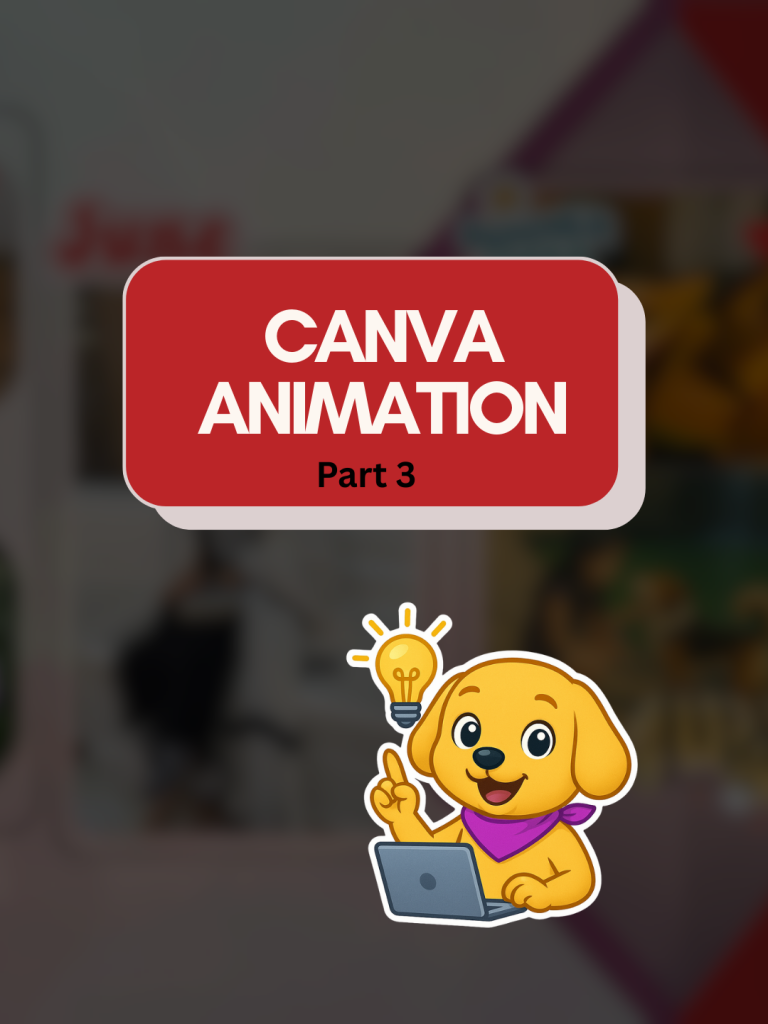
This content was created to help creators, brands, and coaches present their 2025 year-in-review in a smooth, aesthetic, and highly engaging format using a customizable Canva animation template. Designed as Part 3 of the Canva Animation series, this template allows users to transform their yearly highlights—whether personal wins, client results, milestones, or memorable moments—into a polished recap reel or carousel without needing advanced editing skills.
The layout combines minimal design, clean transitions, and subtle animations to give the final output a premium, cinematic feel. By showcasing how easily the template can be adapted with photos, text, and brand colors, the content encourages users to create a visually cohesive recap that stands out on Instagram, LinkedIn, and other social platforms.
The goal of this piece is to make year-end content simple, accessible, and trend-friendly, enabling users to participate in the annual recap trend with a professional-looking design created entirely in Canva. It also invites engagement by offering the template via comments, helping creators generate conversation and interaction around their posts.
Submission Review & Analysis
AI Coach (asks anything about this submission)
Community Feedback
- No feedbacks yet